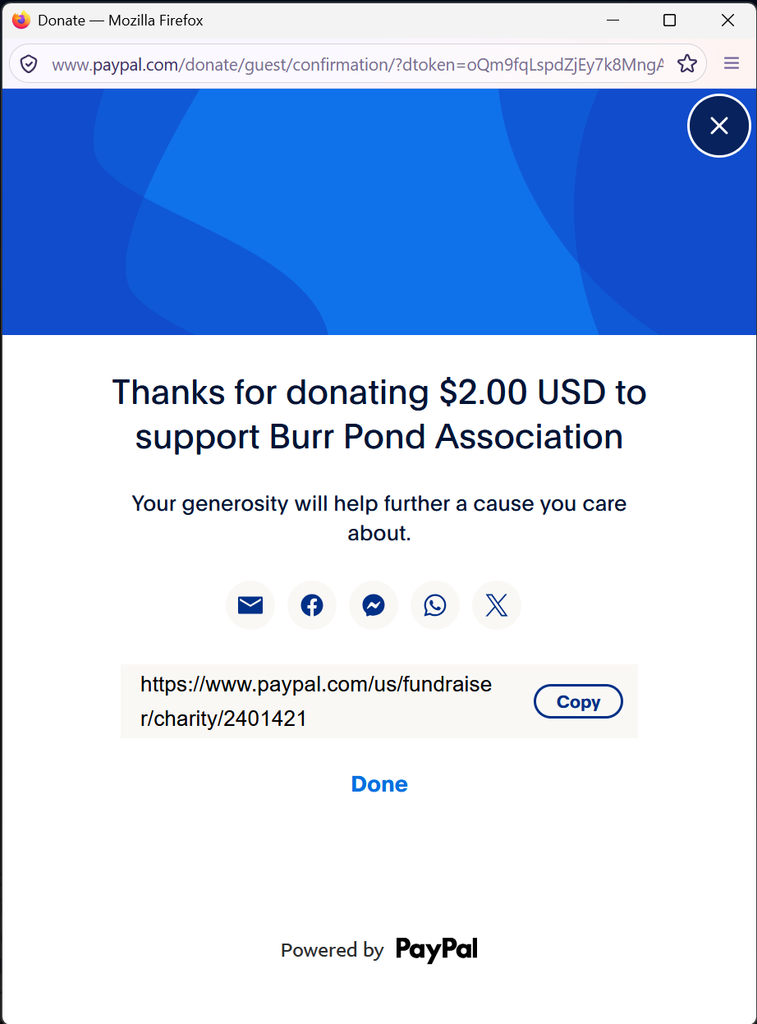
This is where you can donate to the Burr Pond Association using PayPal. The Association has partnered with the PayPal Giving Fund so that your full donation will go to the Burr Pond Association and no fees will be deducted. The links below will take you directly to the PayPal site and you will see a page that looks similar to the one shown in the screen shot below. You can click on the PayPal Giving Fund image or the button below to be taken to the donation site.
Instructions on How to Donate
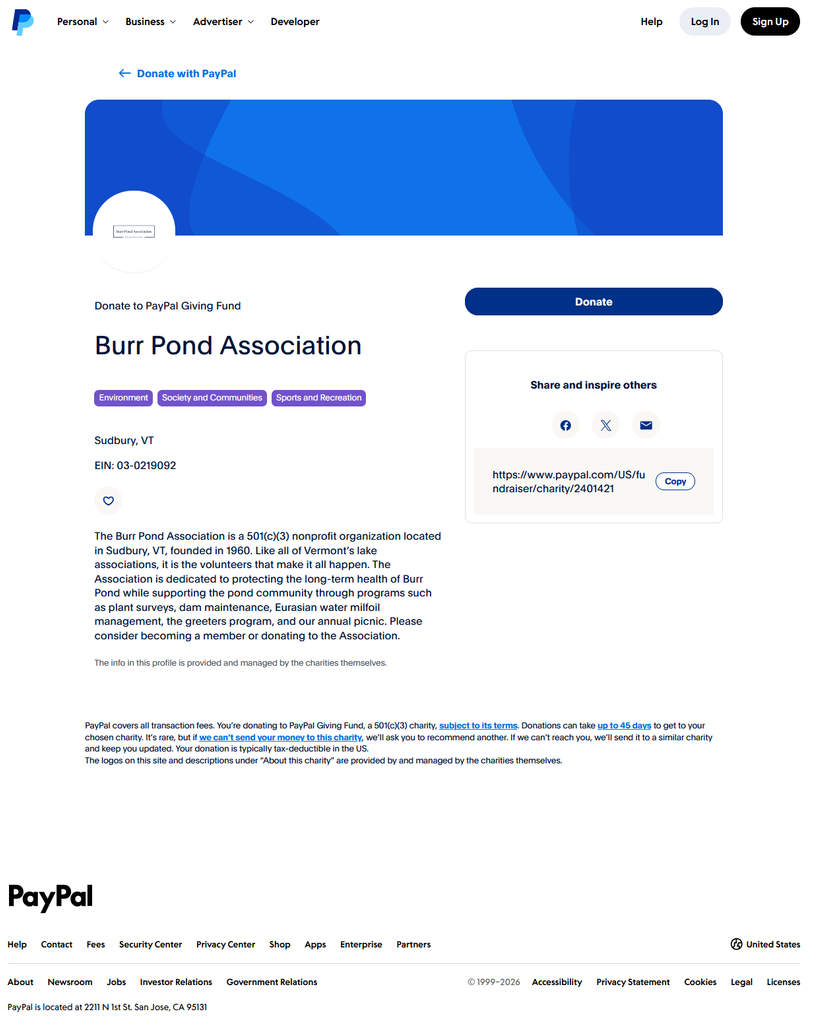
- Once you click one of the links above you will be taken to the PayPal site and the image below is what it should look like.
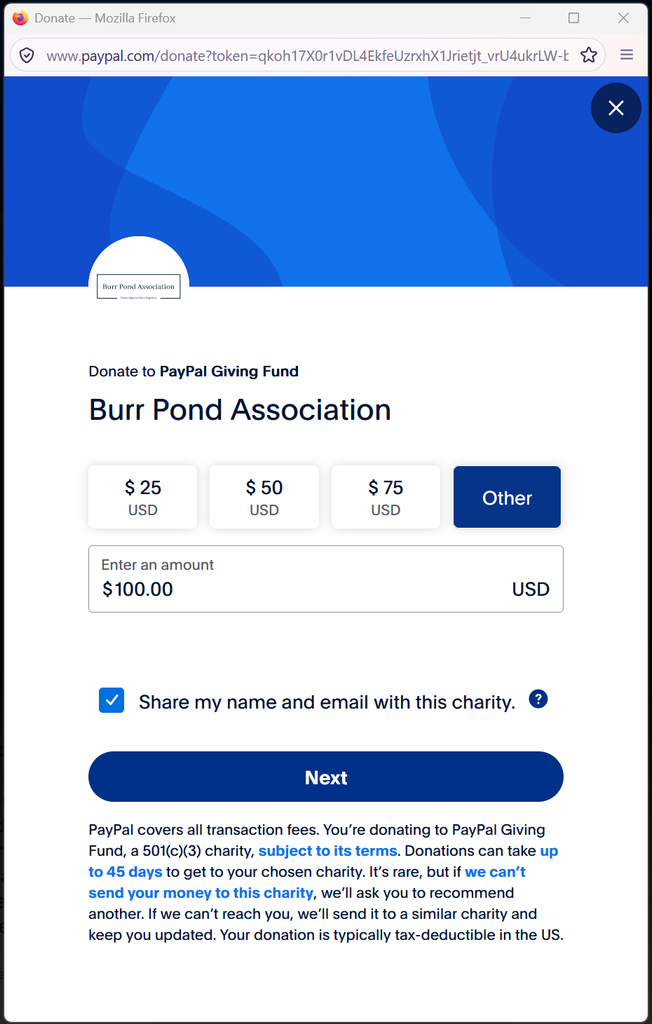
2. Click on the Donate button in the window above when ready to make a donation and the window below will be displayed. Enter the amount you plan to donate, and PLEASE CHECK THE BOX TO “SHARE MY NAME AND EMAIL WITH THIS CHARITY” otherwise it will be anonymous and the Association will not know who to attribute the donations to. That said, if you want to make an anonymous donation, that is greatly appreciated. Click the Next button ready to proceed.
3. You will then be taken to a fairly typical PayPal login window as shown below and you’ll have to sign into PayPal to complete the donation process.
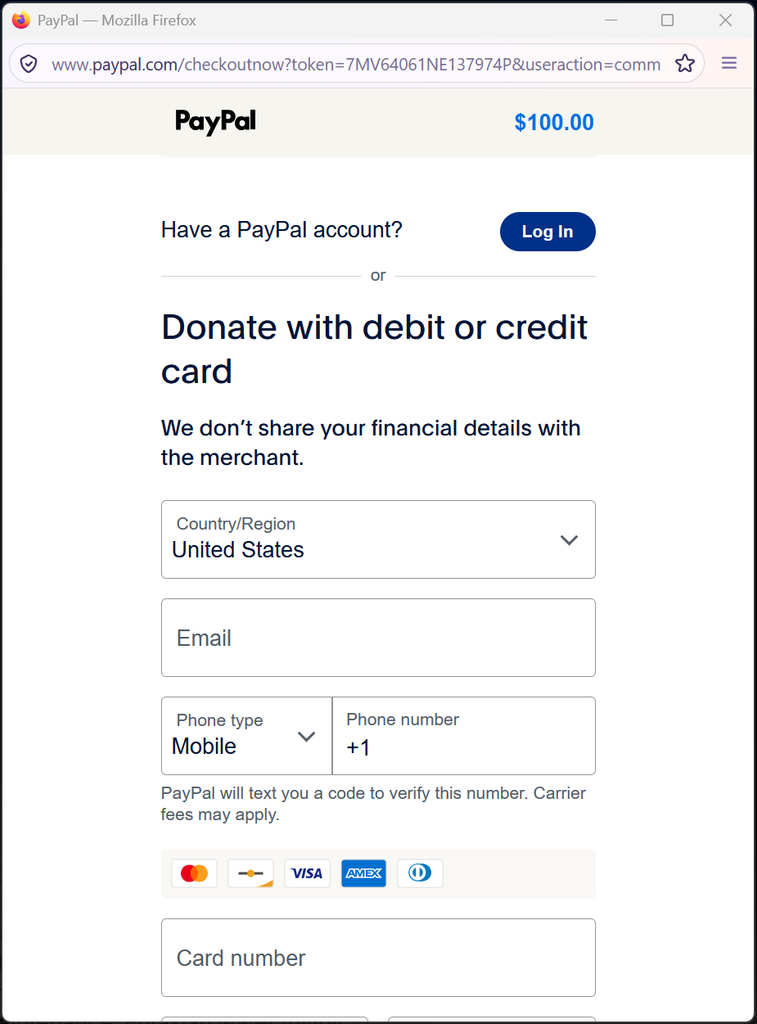
4. Once you have logged in, provided your funding account information, and confirmed the donation you will see a final window in the process that is similar to the one below. The amount displayed will obviously depend on the amount of your donation. You will also receive an email receipt for you donation and it will identify the Benefiting Charity as the Burr Pond Association. This should also serve as a donation receipt for tax purposes as well.